Change the outfit. Keep the shot.
Pick a photo, type the new outfit, and get the same person, pose, light and background in different clothes.
By the ModelVid team · Updated
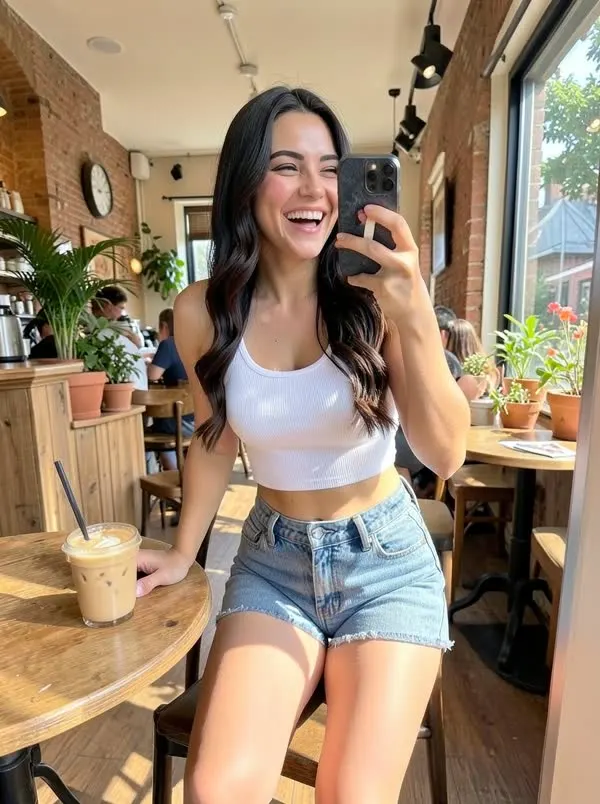
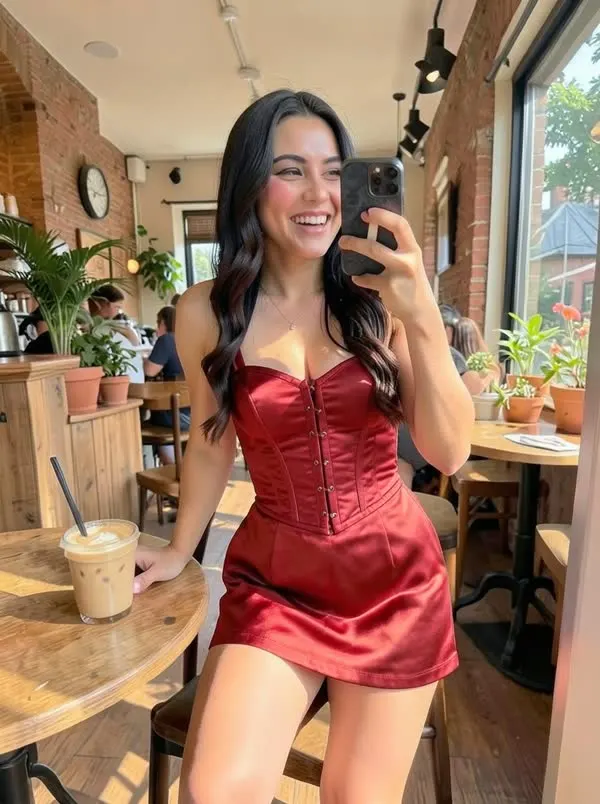
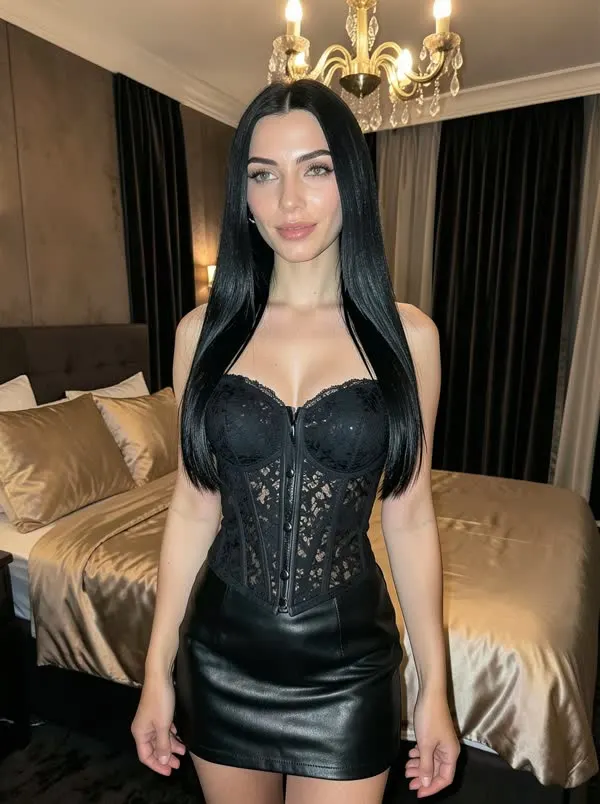

How to change an outfit with AI
- Open Studio and choose Outfit swap.
- Pick a photo from your vault, or upload one.
- Describe the new outfit: "red satin evening dress with gold earrings".
- Download it, caption it or add it to your queue.
The first two photos above are a real before and after: same café, same pose, new dress. Try the slider on the home page.
Ideas that work well
- Day to night: casual daytime look into an evening dress or suit
- Seasonal: summer dress into a winter coat for the same location
- Brand drops: put your model in the exact colour of a product launch
Tips
Name the fabric and colour. "Black satin slip dress" beats "nice dress". Keep the pose the same; asking for a new outfit and a new pose at once makes the edit less faithful.
FAQ
Does the outfit changer keep the face?
Yes. It edits the photo you pick and keeps the person, pose and background.
Can I use my own photos?
Yes, upload any photo you have the rights to. Real people need to have given consent.
How many credits does an outfit swap cost?
2 credits, the same as any photo. Failed edits are refunded.
What resolution are the results?
Standard is about 768x1024; HD is up to 1440 pixels on the long side.